bgr.com
macOS Sonoma 14: Release date, features, Mac compatibility
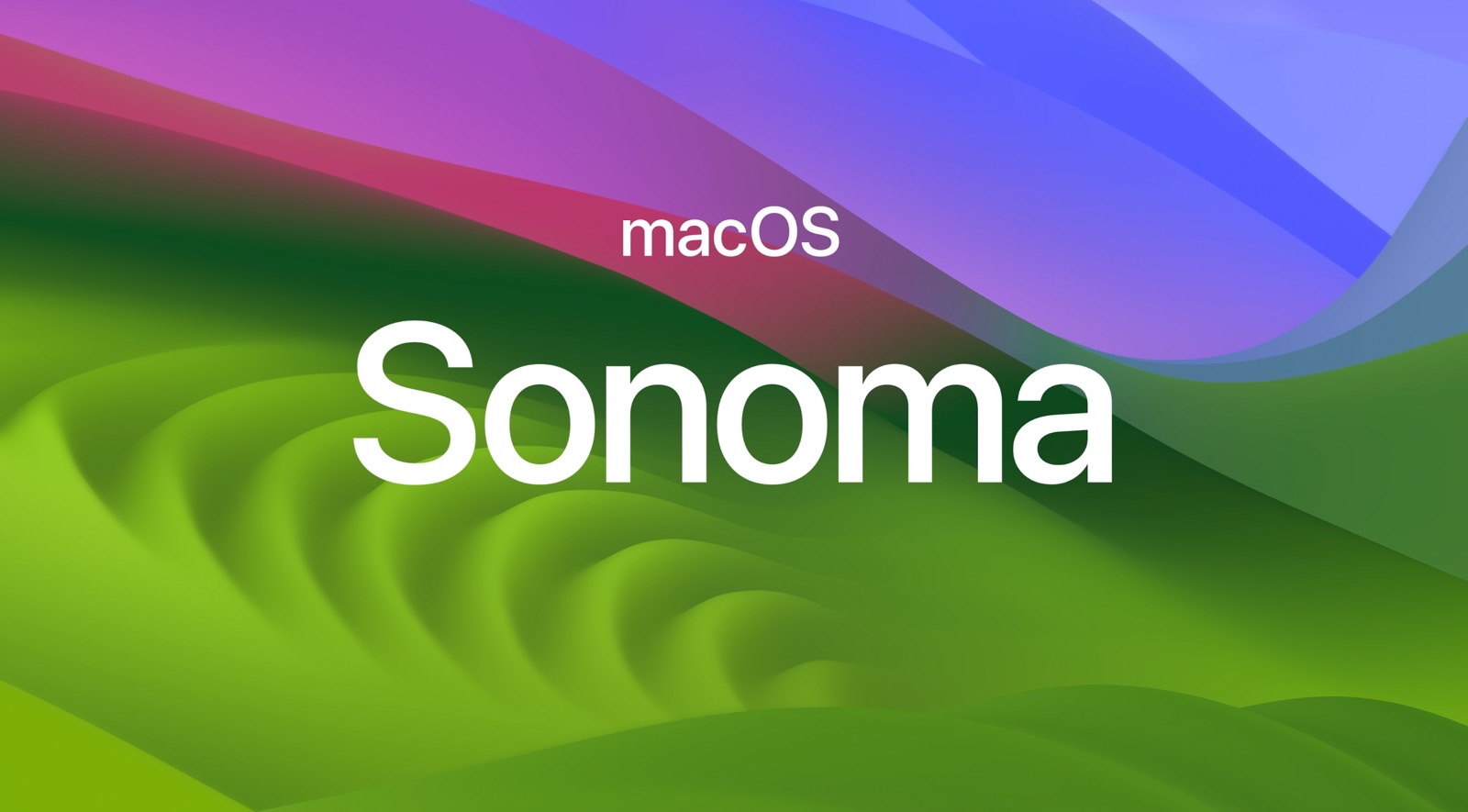
Apple's current operating system for Mac models is macOS 14 Sonoma. After tightening the integration between Mac and iPad with Stage Manager and the Freeform app with macOS 13 Ventura, here’s what we know about the company’s new version of macOS.
What does Apple call macOS 14?
During the WWDC 2023 keynote, Apple announced that macOS 14 would be called Sonoma. This is a historic city in northern California at the heart of the renowned Sonoma Valley winemaking region. For this operating system, Apple invites users to "come for the power and stay for the fun."
Features
Unlike other years, macOS Sonoma focuses on more Mac functions rather than integration between Mac and iPad. This operating system improves video call experiences and boosts gaming performance. Here are its top features.
Video conferencing
Image source: Apple Inc.
Presenter Overlay keeps you part of the conversation when sharing your screen on a video call. You can choose between two overlays, large and small. While the large overlay keeps the spotlighting you, with your screen framed next to you on a separate layer, the small option puts you on a small bubble floating on the presentation.
During FaceTime or video conferencing calls, you can react with your hands. This feature adds a reaction that fills the camera frame with fun 3D augmented reality effects like hears, confetti, fireworks, and more.
There's even a new screen-sharing picker that lets you share an app or multiple apps when on a video call. With your Studio Display or iPhone as a camera, you can adjust the frame with zoom and pan controls or use Recenter to automatically place yourself in the center of the frame in a call.
Gaming
macOS Sonoma adds Game Mode, which automatically gives games top priority on the CPU and GPU of your Mac, lowering usage for background tasks while dramatically reducing latency with wireless accessories.
The company explained how Apple Silicon users can take advantage of AAA gaming with the Mac.
Screen Savers and widgets on the desktop
Image source: Apple Inc.
macOS Sonoma brings new slow-motion screen savers of "breathtaking" locations from around the world. When you log in, they seamlessly become your desktop wallpaper. During the beta phase, Apple added several Apple TV screensavers for this operating system, which can also be used as wallpapers. In addition, you can finally place widgets on your desktop from your widget gallery.
These widgets are interactive, and with Continuity, you can add your iPhone widgets to your desktop without having to install the corresponding apps on your Mac.
Besides that, when you open an app or window or use Stage Manager, widgets fade into the background so you can concentrate on the task.
Safari and Passwords
Image source: Apple Inc.
Safari has many new features. Now, you can create a profile to keep your browsing history, extensions, Tab Groups, cookies, and favorites separated for topics like Work and Personal.
Apple says Search in Safari with macOS Sonoma is also more responsive and shows easier-to-read and more relevant suggestions. Another feature is web apps that come to your dock. You can launch a web app to get an app-like experience with a simplified toolbar.
Apple is also enhancing private browsing by letting you lock your private browsing windows when you're not using them. It completely blocks known trackers from loading on pages and removes tracking added to URLs as you browse. This feature is also available for iOS 17.
For Passwords, Apple now lets you share a set of passwords with your trusted contacts. You can create a group and choose a set of accounts to share. Passwords stay up to date for everyone in the group, and you can remove someone at any time.
Still, I really hope Apple makes Safari usable with macOS 15, as it has several flaws.
PDF and Notes
In addition, macOS Sonoma improves enhanced AutoFill for PDF. The system picks saved information from Contacts to fill out a PDF or scanned document faster.
You can also view a full-width PDF right in Notes and click between pages. You can even keep more than one PDF in the same note for easy access to related documents. Lastly, you can start a document in Notes and finish in Pages by clicking the Share button. The same is worth it for iPadOS 17.
Exclusive features to Apple Silicon Macs
Although macOS Sonoma is compatible with several Intel Macs, some features are exclusive to Apple Silicon computers. Here they are:
Presenter Overlay: On a videoconferencing call, macOS Sonoma has a new Presenter Overlay feature that keeps you part of the conversation when sharing your screen. You can choose from two overlays, large and small. The large overlay keeps the spotlight on you, with your screen framed next to you on a separate layer. You can move, walk, and talk in front of your content.
React with your hands: On a FaceTime call, you can add reactions that fill the camera frame with fun 3D AR effects like hearts, confetti, fireworks, and more. You can also share a reaction with just a hand gesture as well. This feature works with the built-in camera of Apple Silicon Macs or any Mac with the Continuity Camera feature on an iPhone 12.
Accessibility: Personal Voice helps users with speech loss create a voice that sounds like them, then use it with Live Speech to communicate in FaceTime calls and in-person conversations. Made for iPhone, hearing devices can now pair directly with Mac, so users with hearing disabilities can take calls and have conversations more conveniently.
Game Mode: Game Mode automatically gives games top priority on the CPU and GPU of your Apple Silicon with macOS Sonoma, lowering usage for background tasks. And it dramatically reduces latency with wireless accessories, like AirPods and your favorite controllers.
Siri: With macOS Sonoma, Apple Silicon Mac users don’t need to say “Hey Siri” anymore, as the personal assistant is now triggered by only Siri.
New emojis are here
Image source: Emojipedia
Every major macOS update always offers new emojis. With iOS 16.4, Apple released 20+ emojis. In 2023, Unicode previewed 100+ new emojis. With macOS 14.4, Apple released 28 new emojis. But when you include skin tone modifiers and gender variants, the total is 108.
The list includes a Lime, a head shaking vertically, a phoenix bird (Moltres, for Pokémon fans), and four new gender-neutral family emojis intended to be represented via silhouettes. ll of these figures will be sent for approval this September.
macOS 14.1 features
Image source: José Adorno for BGR
With macOS 14.1, Apple added these features:
Apple Music tweaks: Users can now favorite songs, albums, playlists, and artists. With that, your favorite music is automatically added to your library, improving your recommendation. In addition, there’s a new dislike icon when you don’t want a song to be played often.
Coverage section: macOS 14.1 brings a "Coverage" section under Settings. There, you can see your AppleCare+ coverage, including your Bluetooth-paired devices coverage.
macOS 14.2 features
Image source: José Adorno BGR
With macOS 14.2, Apple added these features:
Sticker reactions: React to a message with any Live Sticker, Memoji, or Animoji through the Sticker drawer or directly through the Tapback menu.
Multiple timers: You can run several timers simultaneously and create a name for each timer.
Edit playlists: There’s a new edit button for playlists where you can add custom covers (an iOS 17.1 feature) and a description with macOS 14.2 beta.
iMessage Contact Key Verification: Contact key verification allows you to manually verify who you are messaging with by comparing contact verification codes in person or over the phone. Conversations with people who have contact key verification turned on also receive automatic advanced protections to help prevent even very sophisticated attackers from impersonating anyone in a conversation.
Enhanced AutoFill identifies fields in PDFs and other forms, enabling you to add names and addresses from your contacts.
Favorite Songs Playlist in Apple Music lets you quickly get back to the songs you mark as favorites
Use Listening History in Apple Music can be disabled in Focus so the music you listen to does not appear in Recently Played or influence your recommendations
Shazam Music Recognition allows you to quickly identify songs playing online or around you, even when wearing AirPods
New keyboard layouts provide support for 8 Sámi languages
macOS 14.3 features
Image source: José Adorno for BGR
With macOS 14.3, Apple added these features:
Collaborate on playlists in Apple Music allows you to invite friends to join your playlist and everyone can add, reorder, and remove songs.
Emoji reactions can be added to any track in a collaborative playlist in Apple Music.
Apple Care & Warranty in Settings shows your coverage for all devices signed in with your Apple ID.
macOS 14.4 features
Image source: Emojipedia
With macOS 14.4, Apple added these features:
New Home tab: For Apple Music, Books, and Podcasts apps, Apple switched the Listen Now tab to Home. Although there aren’t other changes, it’s interesting that Cupertino decided to make this move.
New emoji: Most of the figures are skin tone modifiers and gender variants. Still, the new emojis include a lime, shaking heads, a phoenix, and four new gender-neutral family emojis intended to be represented via silhouettes.
Podcasts app: Podcasts Episode text can be read in full, searched for a word or phrase, clicked to play from a specific point, and used with accessibility features such as Text Size, Increase Contrast, and Voice Over.
The company also released macOS 14.4.1 to fix some issues with the latest release.
macOS 14.5 features
With macOS 14.5, Apple fixed two main issues:
FaceTime: This update fixes an issue where users might not be able to approve or decline a FaceTime link call because notifications might not be received on the caller side for them to accept or decline the call.
Mac (Designed for iPad) Apps: This update fixes an issue where macOS might launch the wrong version for (Designed for iPad) apps after double-clicking the icon or after building from Xcode.
macOS Sonoma release date
macOS Sonoma has been available since September 26, 2023. It was unveiled during the WWDC 2023 keynote, and developers and public beta testers can take advantage of upcoming features. Apple announced this system release date after the iPhone 15 event.
Can I try the macOS Sonoma beta now?
If you are a developer, you can download macOS Sonoma beta. Here's how to do it:
After enrolling in the developer beta, go to Settings;
Open General and select Software Update
Click on Beta updates and switch from macOS Ventura Developer Beta to macOS Sonoma Developer beta
Here's how to download macOS Sonoma public beta
As of July 12, 2023, Mac users can enroll in the Apple Beta Software Program to test macOS Sonoma's newest features. Unlike other years, you just have to log into the program with your Apple ID, agree with the terms and conditions, and follow these steps:
Go to Settings on your Mac;
Open General and select Software Update;
Click on Beta updates and check macOS Sonoma Public Beta.
Compatible Mac models with macOS Sonoma
Image source: Christian de Looper for BGR
. Here are the Macs that will support macOS 14 Sonoma:
2019 iMac and later
2017 iMac Pro
2018 MacBook Air and later
2018 MacBook Pro and later
2019 Mac Pro and later
2018 Mac mini and later
2022 Mac Studio and later
Review
BGR made an in-depth review of macOS Sonoma. This update is not as impressive as Big Sur or High Sierra, which means you get new features but also old bugs. Here's a quote from the analysis:
Personally, macOS Sonoma felt a bit slow in the first few days I started using the first RC version, and then everything became smooth again. If you use specific software for your tasks, double-check before updating, as you’re not missing a lot if you stay in the most stable version of macOS Ventura.
Don't Miss: iOS 17: Features, release date, beta, supported devices, and more
The post macOS Sonoma 14: Release date, features, Mac compatibility appeared first on BGR.
Today's Top Deals
Best Apple Watch deals for May 2024
Today’s deals: $179 AirPods Pro 2, Mattel toys, Kindles, Fitbit sale, $12.50 Matter smart plugs, more
Best Fire TV Stick deals for May 2024
Today’s deals: $120 off eufy X10 Pro Omni, First M2 iPad Air discount, $99 Ninja smokeless grill, more


 News Feed (Home)
 Popular Posts
  Events
  Blog
Blog  Market
  Forum
Forum  Headline News
 VidWatch
 Game Zone
 Top PodCasts